Build and test your first Sydekyks workflow
Start with one trigger and a clear result. Use sample data, review connections, inspect runs and publish when the workflow matches your rules.
Choose one event and one useful result
A Sydekyks mission starts with a trigger, follows the actions you configure and leaves a run history to inspect. Begin with a task whose input and output you can describe clearly. For example: receive an event, map its fields and check the result before adding more app connections.
Use sample data
Choose inputs that contain no live customer information or credentials. Include an ordinary example and an example with a missing field so you can see how the mission responds. Follow the first-mission walkthrough for the product’s trigger and Data Mapper steps.
Check the connections and data flow
When you add a Gadget, check the account it uses, the permission it needs and the data sent to its provider. An AI action may require a configured model provider with separate usage fees. Test email or chat actions with destinations your team has explicitly chosen for testing.
Inspect each step
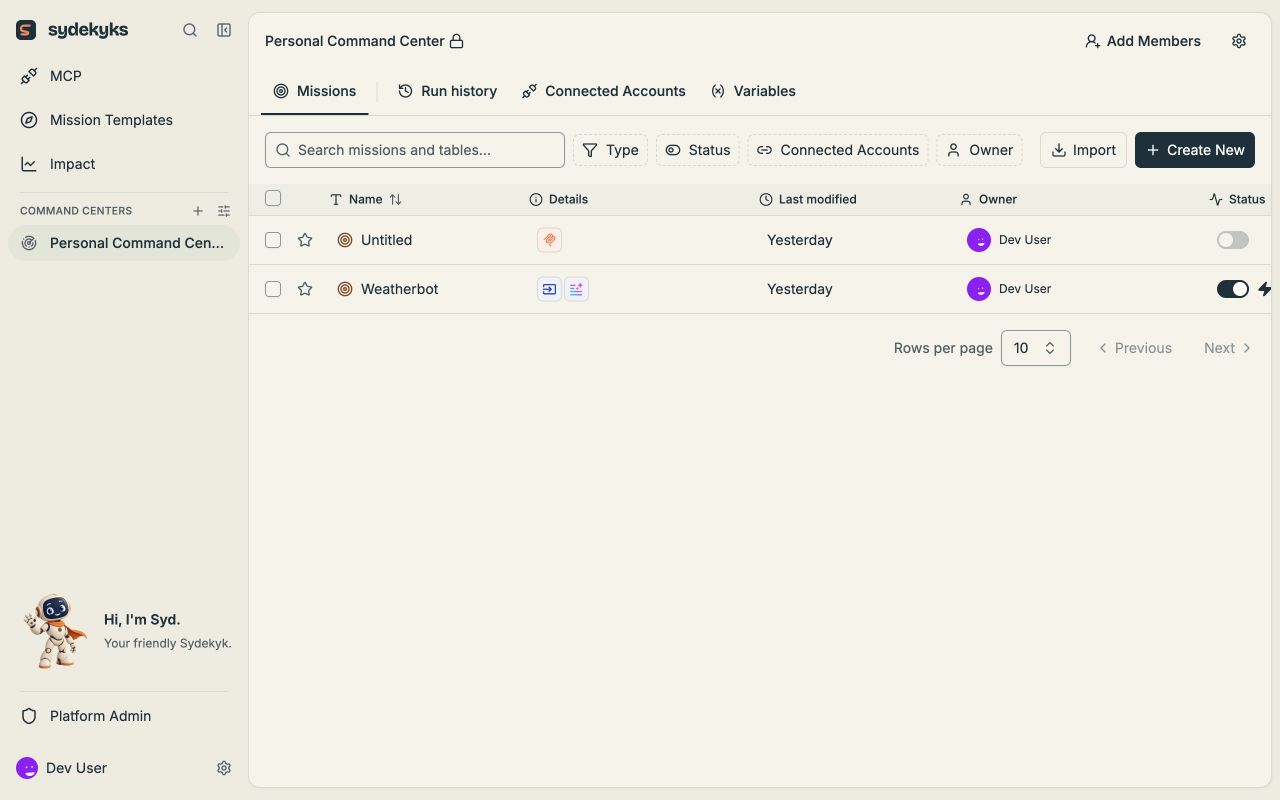
Compare step inputs and outputs with the result you expected. Run history helps you see where the work reached and what needs attention. Avoid enabling a repeating trigger until you have checked the behavior of the actions it will call.
Decide where a person reviews the work
For work such as outgoing messages or financial decisions, define the required review in the mission before enabling automatic actions. A template is a starting point; it still needs your connections, rules and tests.
Publish and monitor
Publish when your sample runs match the intended behavior. Check the first live runs and agree who handles failures or changes. Use the publishing guide and run inspection guide as you go.
For ideas, explore the template library. If you would like help configuring a workflow around your team’s tools, workflow implementation is an optional service.